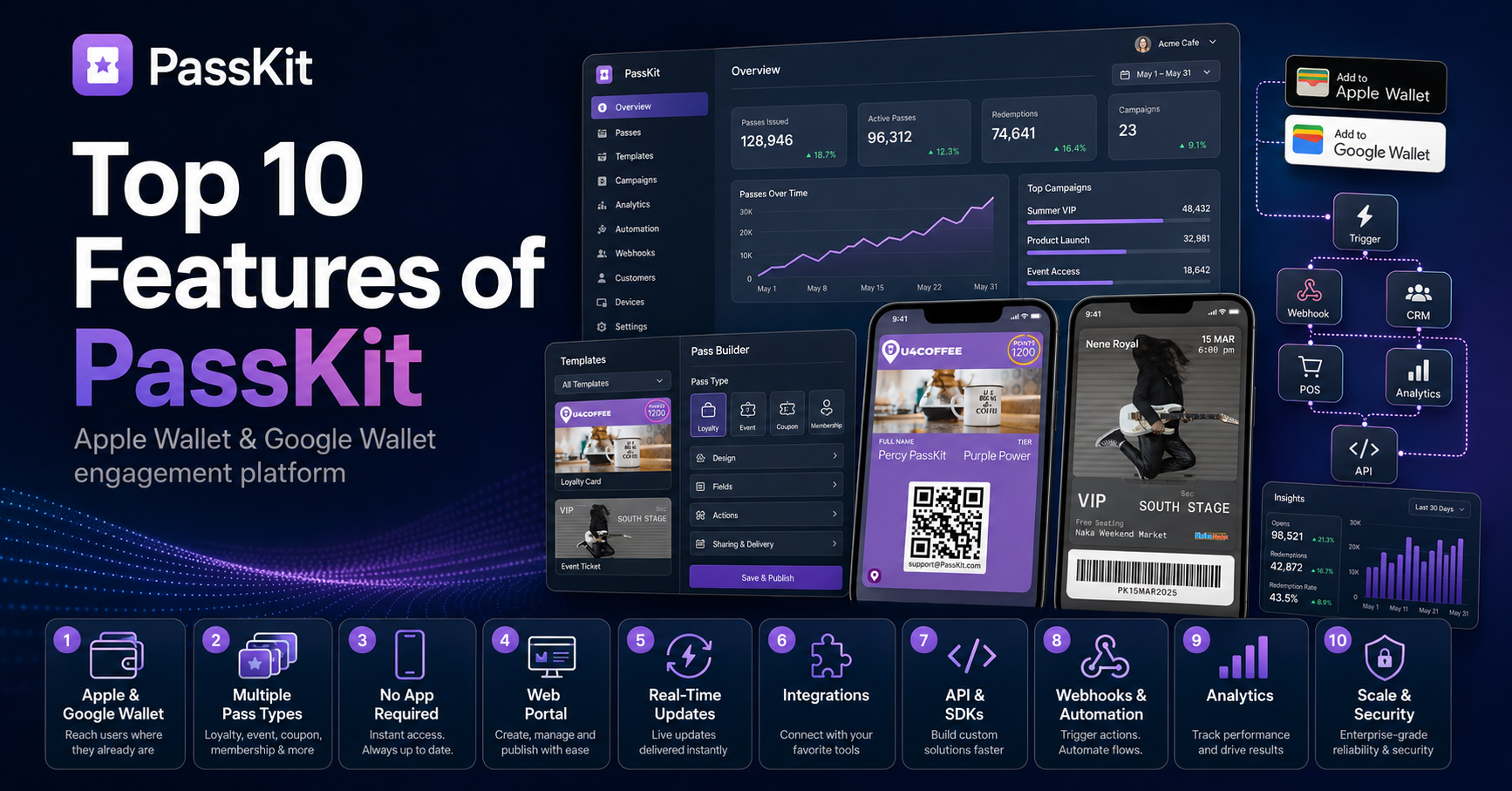
Digital wallets have moved far beyond tap-to-pay. Today, Apple Wallet and Google Wallet can store payment cards, boarding passes, transit cards, event tickets, loyalty cards, hotel keys, car keys, and in some places, government IDs. Both aim to replace the physical wallet, but they differ in one major way: Apple Wallet is built tightly around the Apple ecosystem, while Google Wallet is designed for the broader Android world.
Apple Wallet lives on iPhone and Apple Watch. That makes it especially smooth for people who already use Apple devices. You can double-click the side button, authenticate with Face ID, Touch ID, or a passcode, and pay almost instantly. Apple also supports Express Mode for some transit cards, passes, and keys, which can allow a tap without waking or unlocking the device. In some cases, it may even work when the iPhone needs to be charged.
Google Wallet works similarly, but its biggest advantage is Android flexibility. It supports payments, transit, tickets, IDs, and passes across many Android phones and Wear OS watches. Google has also expanded Wallet with features such as digital IDs, passport-based ID creation in the U.S., transit support, pass notifications, and access to passes on the web.
Privacy is one of the clearest differences. Apple tends to position Wallet as a privacy-first product inside a closed ecosystem. It emphasizes keeping cards, IDs, keys, and passes securely stored on Apple devices. Google Wallet is also security-focused, requiring a screen lock and identity verification for payments, but it sits within Google’s broader account and services ecosystem. That can be convenient, especially if you use Gmail, Maps, Android, and Chrome, but privacy-conscious users may prefer Apple’s more contained approach.
Transit is strong on both platforms. Apple’s tap-and-go transit experience is excellent where supported, especially with Express Mode. Google Wallet also supports public transportation in multiple ways: some systems allow tap-to-pay with a card, while others let users buy or store a transit pass inside Wallet.
The real choice usually comes down to your phone. If you use an iPhone and Apple Watch, Apple Wallet is the natural winner. It is fast, polished, deeply integrated, and hard to beat for everyday convenience. If you use Android, Google Wallet is the obvious choice, and it has become increasingly capable, especially for travel, transit, IDs, and pass management.
Neither wallet is simply “better” in every situation. Apple Wallet wins on ecosystem polish and privacy perception. Google Wallet wins on Android availability, web access, and Google service integration. The best wallet is the one that fits the devices you already carry.